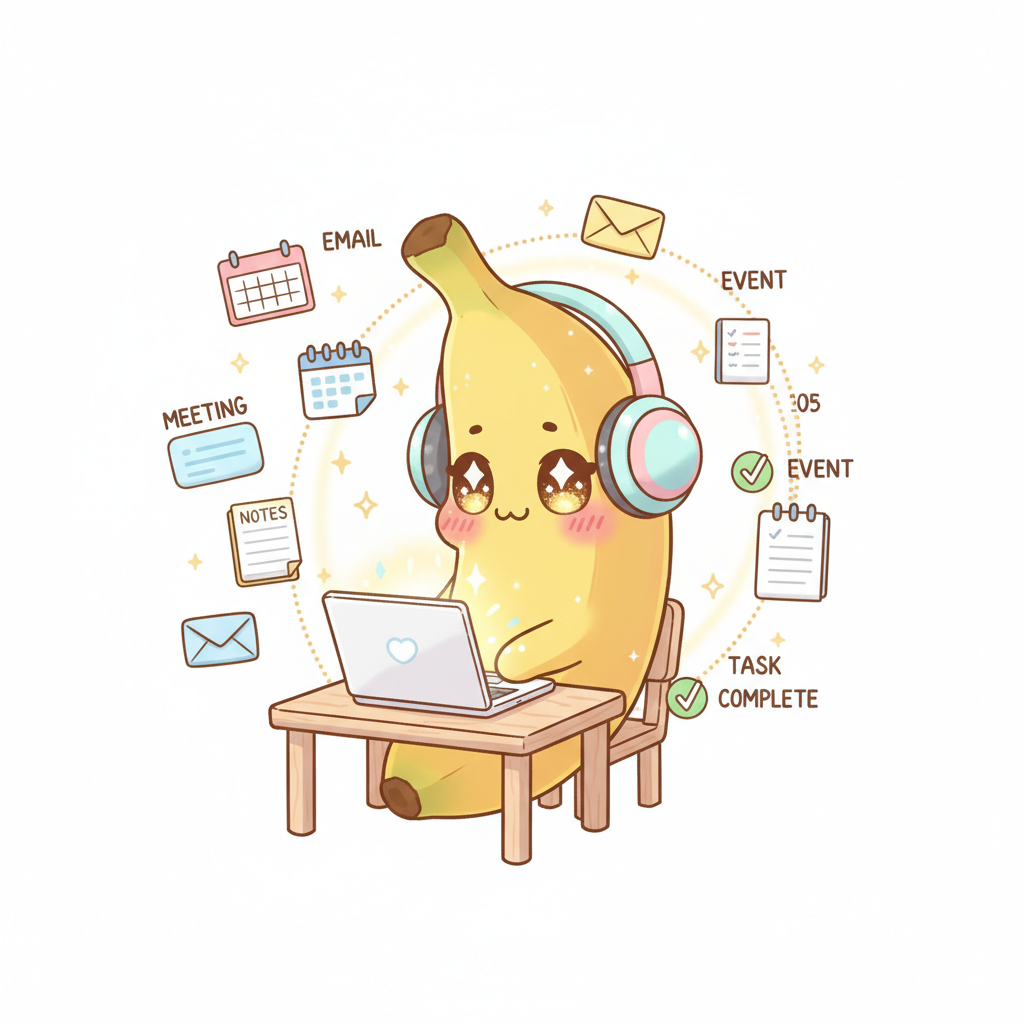
How Nyura Connects the Dots — From Meetings to Tasks to Follow-Ups, Automatically
Discover how Nyura's latest features — Fireflies.ai meeting transcription, Gmail sync, auto-categorization, and smart notifications — work together as an integrated pipeline. One single meeting creates tasks, adds contacts, categorizes everything, and sends follow-up reminders. All automatically.

The Meeting-to-Action Pipeline: From Conversation to Tasks in an Instant
You join a Zoom call on Monday morning. Thirty minutes of discussion with a client, decisions made, commitments given. Tuesday morning, you open Nyura. Three action items are already waiting in your inbox, each with a clear title, a due date, and the right priority. You typed nothing. You did not even take notes. This is the Nyura meeting-to-action pipeline at work.
Here is how it works. Fireflies.ai records and transcribes your meeting automatically. Nyura's AI then analyzes the transcript, identifies commitments, open questions, and next steps. It transforms each item into a task with the right context. 'Send the revised proposal to Marc before Friday' becomes a task with a Friday deadline, high priority, and a link to Marc's contact in your CRM. No more black holes between what gets said in a meeting and what actually gets done.
The best part? Everything is retroactive. Even if you forgot to activate Fireflies before the meeting, you can upload an audio recording and Nyura will do the rest. The extraction works across all supported languages and improves over time by learning the specific vocabulary of your industry. Every meeting becomes a gold mine of productivity instead of a blurry memory.

Every Email Builds Your CRM
Think about all the people you exchange emails with every week. Dozens, sometimes hundreds of contacts. Most of them are not even in your address book. With Nyura's Gmail sync, every person who sends you an email is automatically added to your contacts CRM. Not just a name and an address — Nyura enriches the profile with the company name, job title, domain, and even the profile photo when available.
What makes this truly powerful is the compound effect. After one week, you have 30 new contacts. After a month, 120. Each with their email history, last interaction date, and associated company. Nyura even creates company records automatically — if three contacts share the @acme.com domain, an Acme Corp profile gets created with all available information. Your CRM builds itself while you work.
And the link with meetings is direct. Someone you meet in a Fireflies call who emails you afterwards? Nyura connects the dots automatically. The contact already exists in your CRM, enriched with data from both the meeting and the email. No duplicates, no manual entry. Just a complete profile that builds itself through your interactions.

AI Categorization That Learns From You
When three tasks arrive from a meeting and thirty contacts appear from your emails, chaos lurks. Without organization, you end up with an endless, structureless list. This is where Nyura's auto-categorization kicks in. Every task automatically receives a tag, a suggested project, and a priority level — all based on the content, the context, and your past habits.
The AI does not just apply fixed rules. It observes how you work. If you consistently place tasks related to a specific client in the 'Alpha Account' project, the AI starts doing it for you. If you always mark follow-up calls as high priority, it adjusts. After a few weeks, your categorization system mirrors the way you think — but fully automated.

Smart Follow-Up Reminders That Land at the Right Time
Tasks are created, contacts are in the CRM, everything is categorized. But the real productivity test is what happens next. How many tasks fall through the cracks after three days? How many promising contacts disappear because nobody followed up? Nyura solves this with three types of smart reminders that work together.
First, stale contact detection. Nyura monitors your interactions and alerts you when an important contact has gone quiet for too long — while accounting for the normal frequency of each relationship. Second, overdue task alerts. Not just a generic reminder on the due date, but gradual notifications that start two days before and intensify if the task stays open. Third, pre-meeting and pre-trip briefings that gather all necessary context before an important event.
The result? Nothing falls through the cracks. The task extracted from a Monday meeting gets automatically flagged on Wednesday if it has not progressed. The contact you met last week receives a follow-up reminder before they become a lost connection. And before your Thursday flight, you get a complete briefing with weather, tasks related to your destination, and contacts you might want to see on-site. It is a closed loop where every piece feeds the others.

Nona Banana Keeps You Motivated
All this automation would feel cold without a human touch. That is where Nona Banana, Nyura's mascot, enters the picture. Nona is not just a decorative character. Her mood changes based on your progress. When you check off tasks and follow up with contacts, she beams. When tasks pile up and follow-ups are overdue, she gently encourages you with a friendly nudge.
This subtle gamification makes all the difference. Studies show that motivation drops when productivity tools are purely functional. Nona adds an emotional layer that makes using Nyura enjoyable, not just efficient. You complete tasks to advance your projects, of course — but also a little bit to see Nona proud of you. And honestly, after a busy week where the meeting-tasks-follow-ups pipeline ran smoothly, seeing Nona dance with joy is the cherry on top.